
If you’ve ever deployed a UI change only to find that a button has shifted two pixels to the left—or worse, disappeared—you know why visual regression testing matters.
Modern web apps evolve fast, and tiny UI differences can slip through unnoticed. A quick CSS change on the home page might break the layout in a completely different part of the app. That’s where Playwright + visual regression testing becomes a lifesaver.
What is Visual Regression Testing?
Visual regression testing compares the current UI against a reference snapshot (baseline image). If anything changes—colors, spacing, alignment, or even accidental changes in fonts—you’ll get a visual diff showing exactly where.
Playwright already excels at fast, reliable E2E testing. Adding screenshot comparisons is as easy as one line of code. Think of it as your automated guardrail for preventing UI bugs.
If it looks different and shouldn’t, visual regression testing will catch it.
How to Generate Golden Images ?
A golden file (sometimes called a baseline file) is a reference file stored by a test to represent the expected output. In visual regression testing—like with Playwright—this file is often a baseline screenshot.
await expect(page).toHaveScreenshot();
Playwright creates a reference screenshot. Every run after that compares the updated UI screenshot with the original to catch visual changes.
When you run the below for the first time:
import { test, expect } from '@playwright/test';
test('test visual regression - Home Page', async ({ page }) => {
  await page.goto('https://www.espncricinfo.com/');
  await page.waitForTimeout(2000);
  await expect(page).toHaveScreenshot('homePage.png');
});
Test runner will say:
Error: A snapshot doesn't exist at
/Users/adlerqa/PlaywrightVisualTesting/snapshots/example.spec.ts-snapshots/homePage-chromium-darwin.png, writing actual.
That’s because there is no golden file yet. Though the test failed, Playwright takes the baseline image and saves it under the snapshot directory mentioned under the config file.

With this method, we can take baseline screenshots of every page—Home, Scorecard, Teams, News, etc. Later, when tests are run, Playwright compares the latest screenshots with the baseline images and reports any visual changes.
Execution:
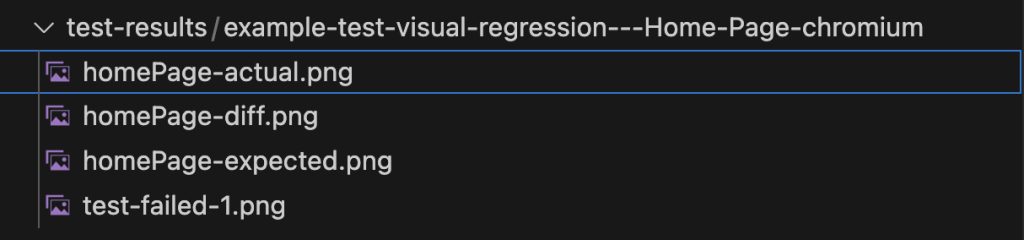
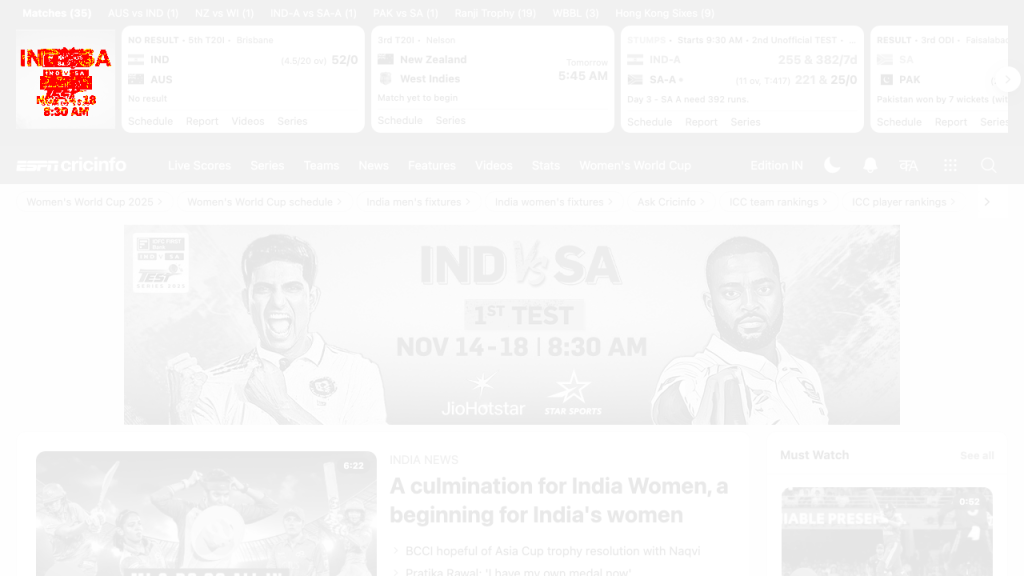
If everything matches perfectly, the test passes. But the interesting part is seeing how Playwright highlights pixel differences when the test fails.
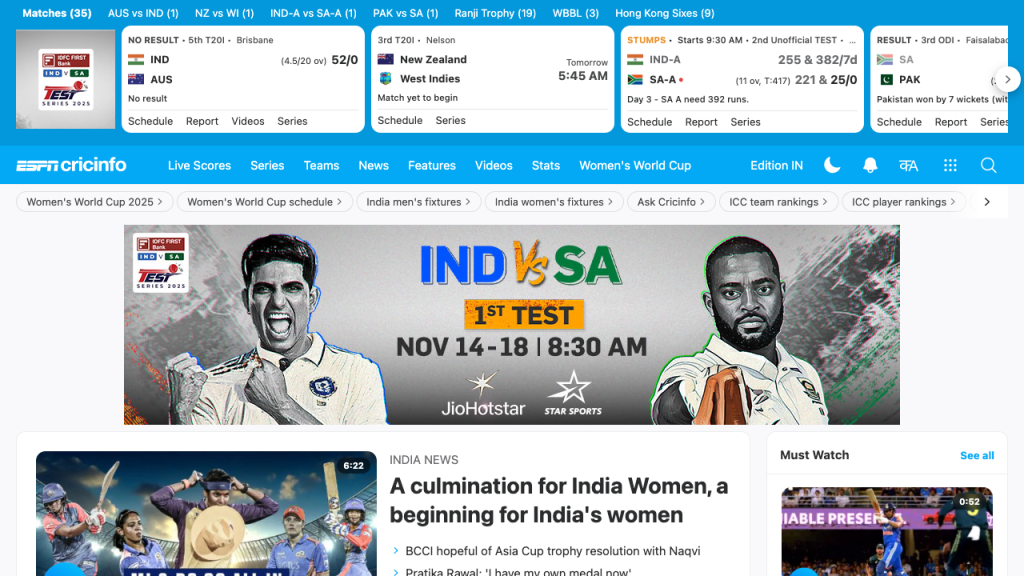
Actual Image:
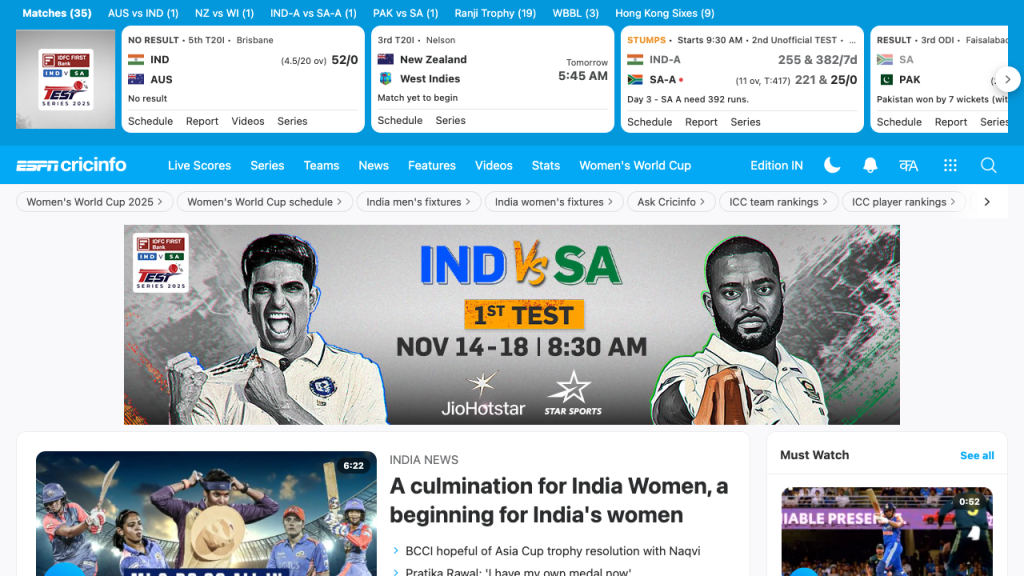
Expected Image (Our Golden Image):
Pixel Match Diff:
Pixel Match Options:
Behind the scenes, Playwright Test relies on the pixelmatch library. You can customize how it compares pixels by supplying different options.
Conclusion:
Visual regression testing is not just an additional safety net — it’s a proactive quality practice. Playwright makes it effortless by generating baseline screenshots, comparing them against future UI changes, and highlighting differences in seconds. Whether your product evolves rapidly or involves multiple contributors, visual testing with Playwright ensures that what your users see is exactly what you intended.